

Medical offices face a constant balancing act between patient engagement and regulatory compliance. The Health Insurance Portability and Accountability Act (HIPAA) sets strict rules for how protected health information (PHI) can be shared. Many practices struggle to find channels that feel modern and convenient for patients while remaining fully secure. DearDoc helps practices navigate this landscape by providing AI-driven tools that streamline communication without compromising safety. This guide outlines seven effective methods for secure patient interaction.
1. Secure Patient Portals
Portals are the central hub for sharing records and messages. A patient portal is a web-based interface that allows patients to view their health information and communicate with their care team. These systems typically require multi-factor authentication to ensure only the patient can access their data. Portals reduce the volume of phone calls and in-person visits for simple inquiries. They provide an audit trail for every message sent and received.
2. Encrypted Email Systems
3. HIPAA-Compliant Texting
Texting is popular but requires specific security controls. HIPAA-compliant texting is the use of a dedicated application that encrypts messages and logs all interactions. Personal cell phones and standard SMS apps are not secure for medical data. A compliant platform ensures that messages are stored on secure servers and that access is restricted to authorized staff. This method is ideal for quick updates like appointment confirmations or test results.
4. Video Telehealth
Video visits expand access while maintaining privacy. Telehealth is the delivery of clinical services via video conferencing. The platform must use encrypted video streams to prevent interception. Patients should be advised to conduct visits in private spaces to avoid accidental disclosure to others in the room. Secure video platforms integrate with electronic health records to keep visit notes and prescriptions in one place.
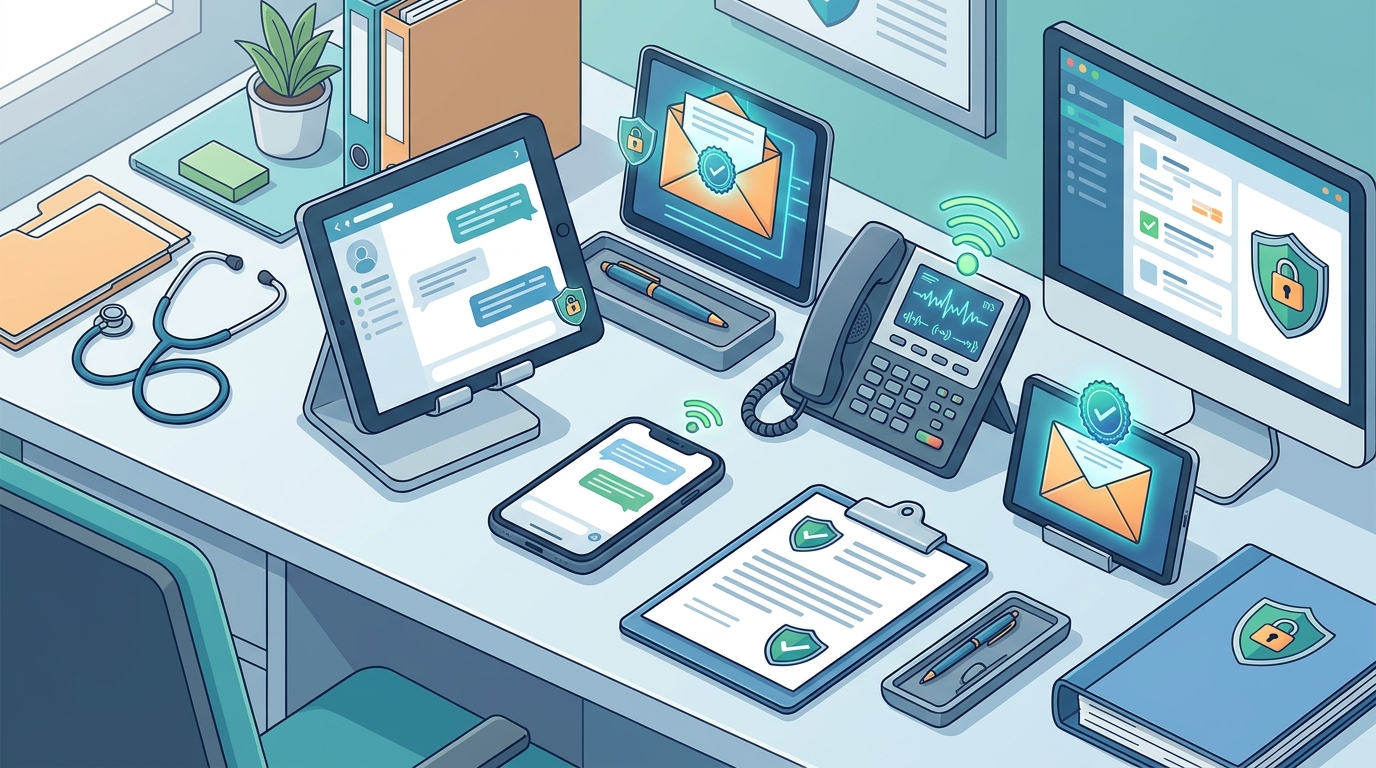
5. Automated Appointment Reminders
Automation reduces no-shows and improves workflow. Automated reminders are system-generated messages sent to patients to confirm upcoming appointments. These messages should be brief and avoid including detailed medical history. The system must allow patients to opt out of specific communication channels if they prefer. DearDoc utilizes AI to send these reminders at optimal times, increasing patient engagement and reducing administrative burden.
6. Secure Feedback Loops
Feedback helps improve care but must be handled carefully. Patient feedback is information provided by patients about their experience with the healthcare system. While general satisfaction surveys are often safe, specific comments may contain PHI. Practices should use secure forms that do not store identifiable information in plain text. AI tools can analyze this feedback to identify trends in patient satisfaction without exposing individual data to unauthorized staff.
7. Paper Records and Fax
Traditional methods still have a place in secure communication. Paper records are physical documents containing patient health information. They must be stored in locked cabinets and shredded when no longer needed. Faxing remains a common method for sending referrals and records between providers. However, fax numbers must be verified to prevent misdirected transmissions. Staff should be trained to handle paper and fax with the same level of care as digital data.
Choosing the Right Communication Mix
Frequently Asked Questions
Is standard email HIPAA compliant?
Can patients use their personal phones for secure texting?
Patients can use their personal devices, but the messaging must go through a HIPAA-compliant platform. The platform handles the encryption and security, not the phone itself. Staff should never use personal phones for medical communications.
How does DearDoc help with patient communication?
DearDoc provides AI-driven tools that automate and secure patient interactions. It helps practices manage reminders, feedback, and messaging in a compliant way. The platform is designed to improve patient engagement while reducing administrative workload.
Do I need a Business Associate Agreement for every tool?
Yes, any third-party vendor that creates, receives, maintains, or transmits PHI on your behalf requires a Business Associate Agreement. This legal contract ensures the vendor is also bound by HIPAA regulations. Always verify that your communication tools have signed BAAs.
How often should I review my communication protocols?
Protocols should be reviewed at least annually or whenever a new tool is implemented. Regular audits help identify gaps in security and ensure staff are following current best practices. Keeping documentation up to date is crucial for compliance. Learn more: DearDoc Top Rated Healthcare.